You can share images with Clever Space(Web) as follows.
- Add a new patient or select an existing patient to upload the image you want to share to the organization data.
(Note: For instructions on how to upload images, please refer to article below.)
I want to upload images to Clever Space organization data. - Select a patient from the organization data to open the patient details window.
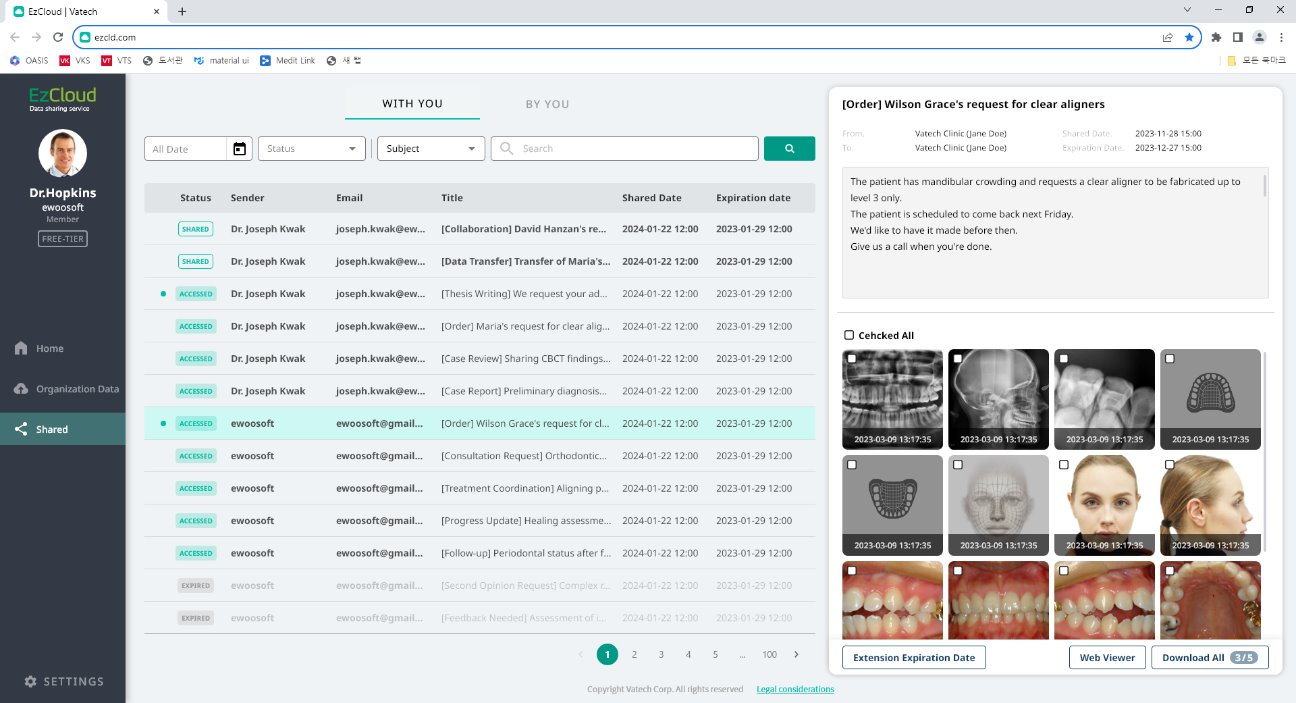
- Select the images you want to share at the bottom of the patient details window, then click the [Share Images] button at the bottom.

- Enter the recipient's email address, the title of the case to be shared, and the message to be sent in the image sharing window.
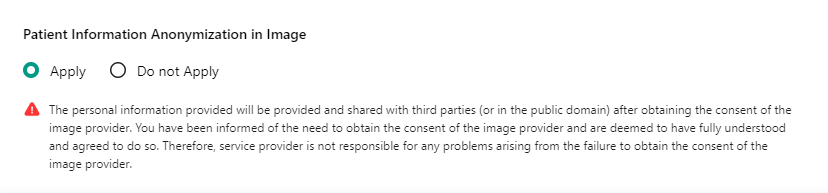
- Select whether to anonymize the images to be shared, then click the [Share] button.
Was this article helpful?
That’s Great!
Thank you for your feedback
Sorry! We couldn't be helpful
Thank you for your feedback
Feedback sent
We appreciate your effort and will try to fix the article