You can share images with Clever One as follows.
- After selecting the file to share with the recipient, click the [Share Image] icon on the toolbar.

Note: You can use the same function as the [Share Image] icon on the toolbar by right-clicking on the patient image in the recipient module and selecting [Share Image].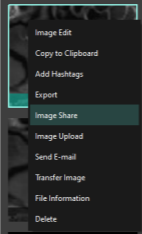
- When the [Share] window appears, search for the recipient or enter their email address. You can enter a message to be sent along with the data.
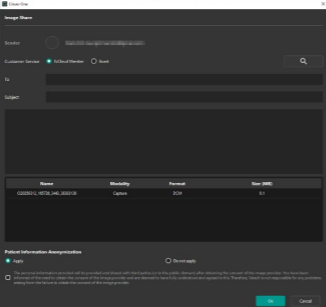
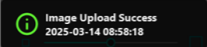
- When you click the [Share] button, the data will be shared and a message will be displayed. [Attach image]
Was this article helpful?
That’s Great!
Thank you for your feedback
Sorry! We couldn't be helpful
Thank you for your feedback
Feedback sent
We appreciate your effort and will try to fix the article