The image deletion procedure is as follows.
- Access the [Organization Data] menu in Clever Space , then select the patient item you want to delete.
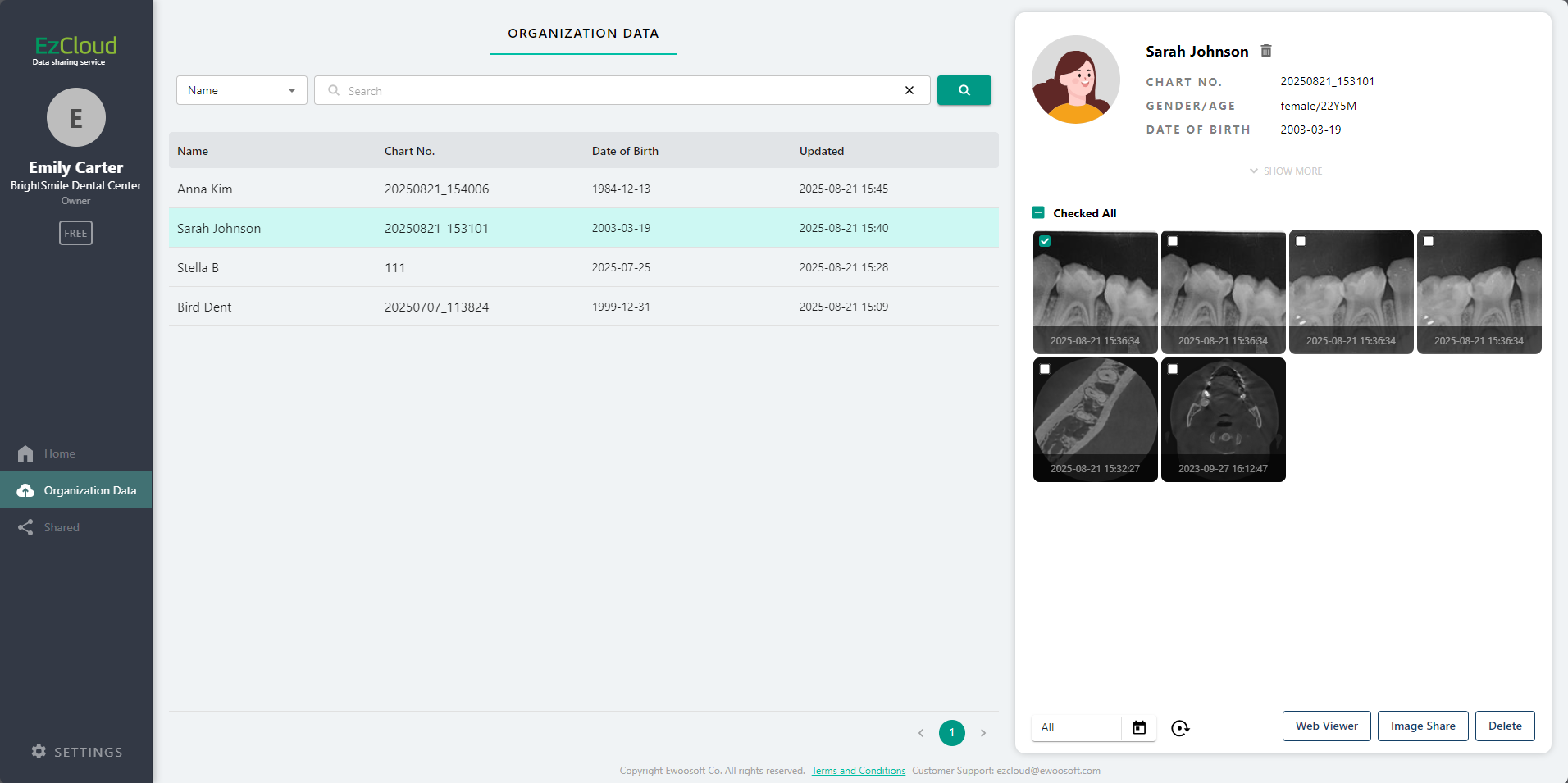
- Select the image you want to delete, then click the [Delete] button located at the bottom right.
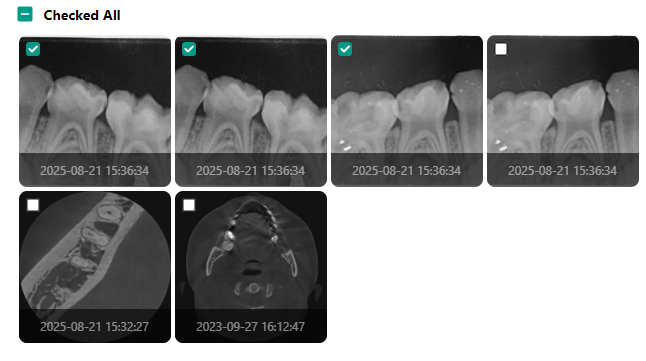
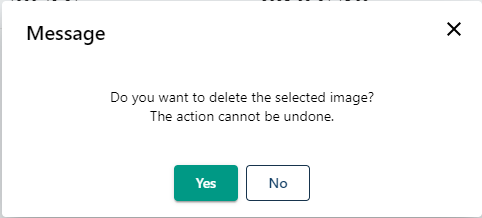
- Click the [Yes] button in the warning message to complete the image deletion.
Organization data, shared cases, and shared cases Click the arrow (>) at the top right of the card to go directly to the corresponding menu.
Was this article helpful?
That’s Great!
Thank you for your feedback
Sorry! We couldn't be helpful
Thank you for your feedback
Feedback sent
We appreciate your effort and will try to fix the article