The process for inviting members to your organization is as follows.
- Go to the [Management] sub menu under [Organization] in OneID, then click the [Invite Members] button at the top.
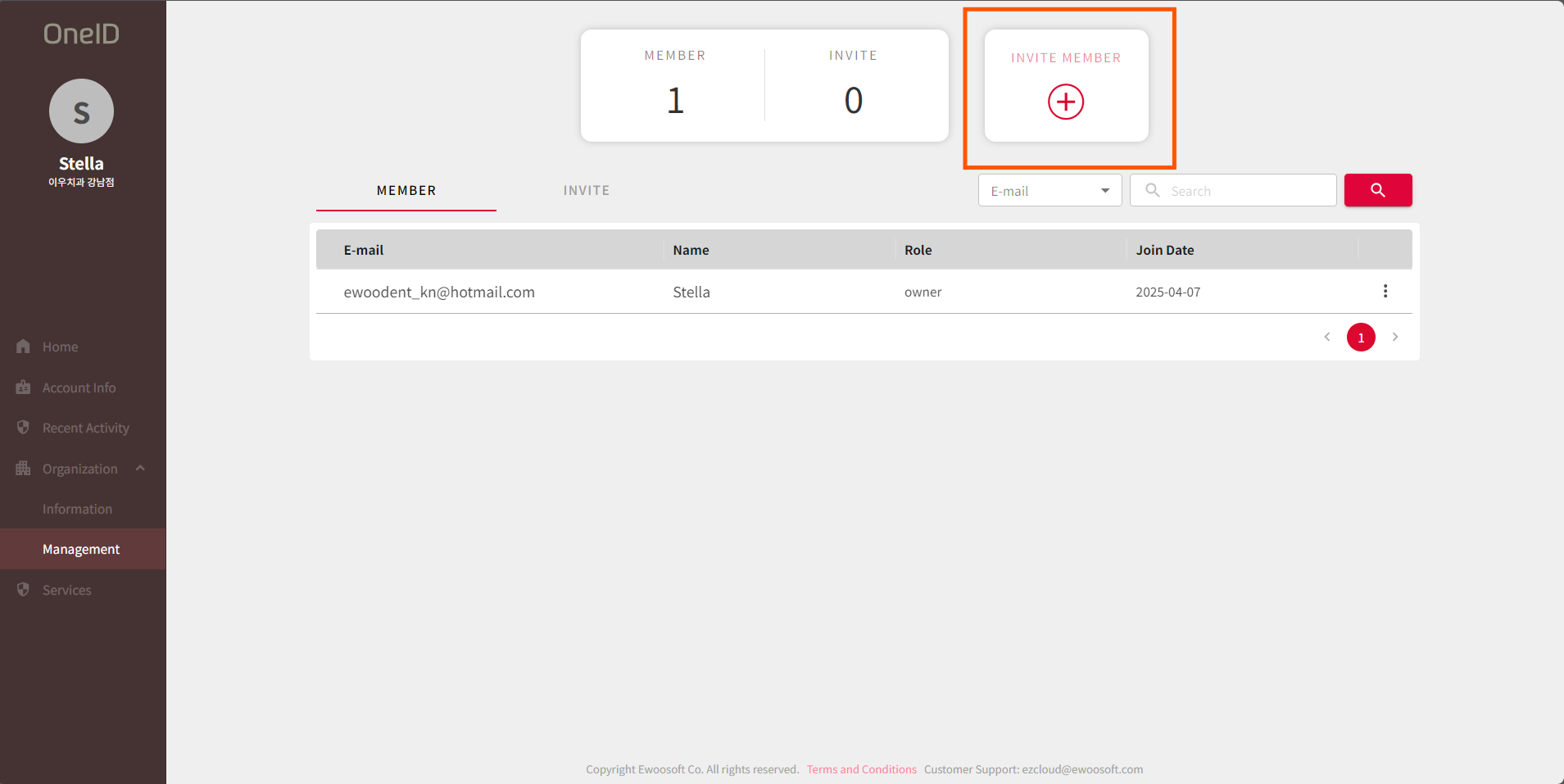
- Enter the email address and message for the user you want to invite, then click the [Invite] button.
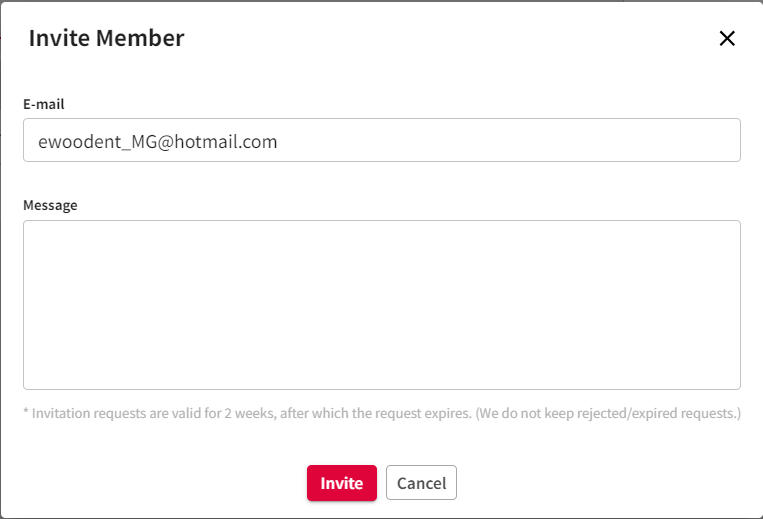
- After that, an invitation email will be sent to the invited email account, and once the membership registration process is completed, the registration will be finalized.
Was this article helpful?
That’s Great!
Thank you for your feedback
Sorry! We couldn't be helpful
Thank you for your feedback
Feedback sent
We appreciate your effort and will try to fix the article