Follow the steps below to delete an organization member:
- Go to [Management] under [Organization] in OneID.
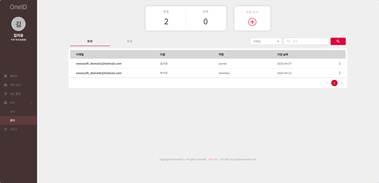
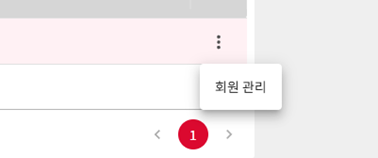
- Click the [︙] icon to the right of the account you want to delete, and then select [Manage Member].
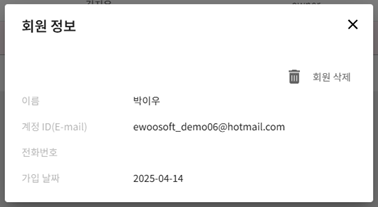
- Review the member information, and then click [Delete Member] in the upper-right corner to complete the deletion.
Was this article helpful?
That’s Great!
Thank you for your feedback
Sorry! We couldn't be helpful
Thank you for your feedback
Feedback sent
We appreciate your effort and will try to fix the article