Password retrieval process is as follows.
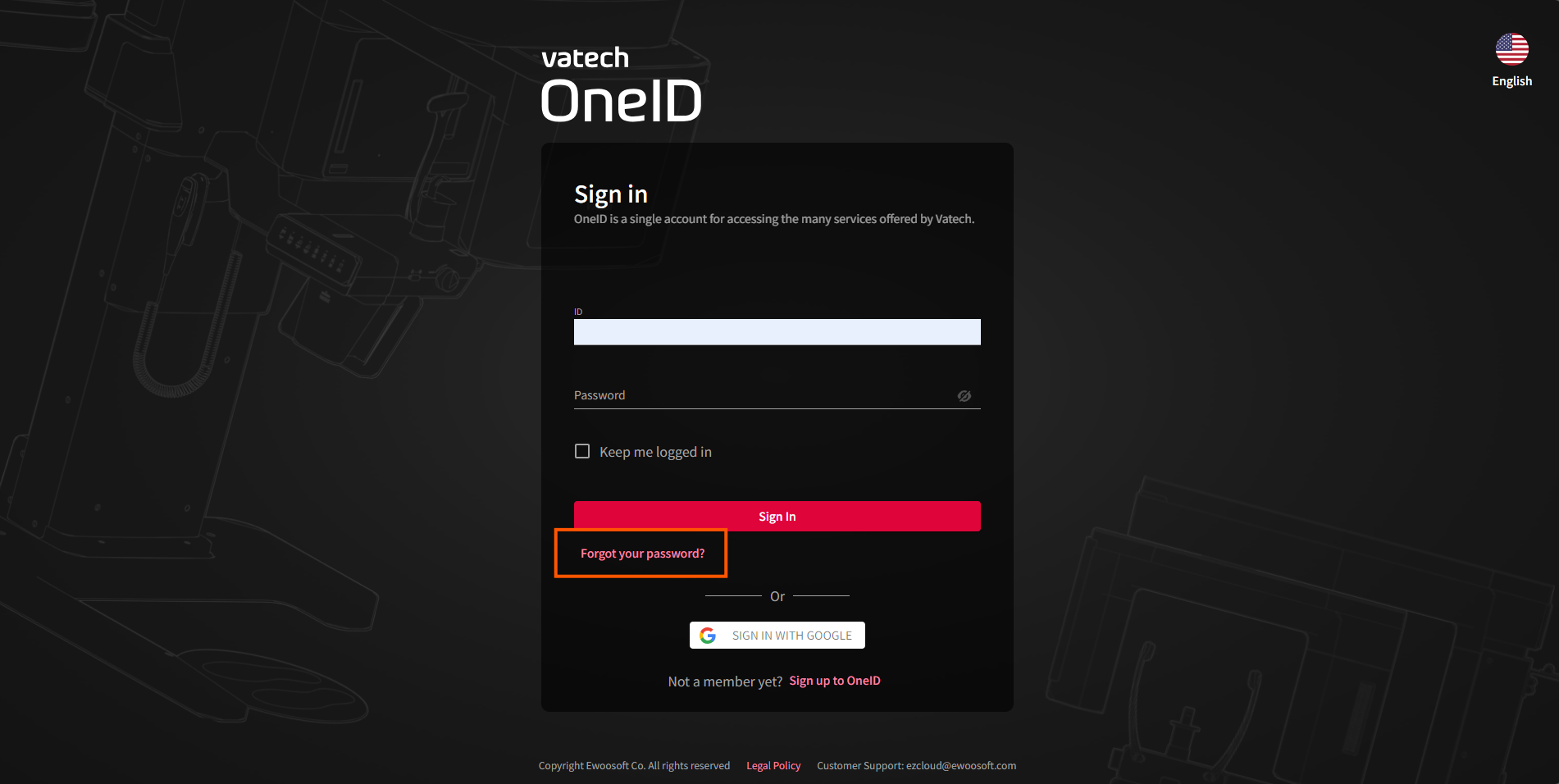
- Go to the OneID login screen and click the [Forgot your password?] button.
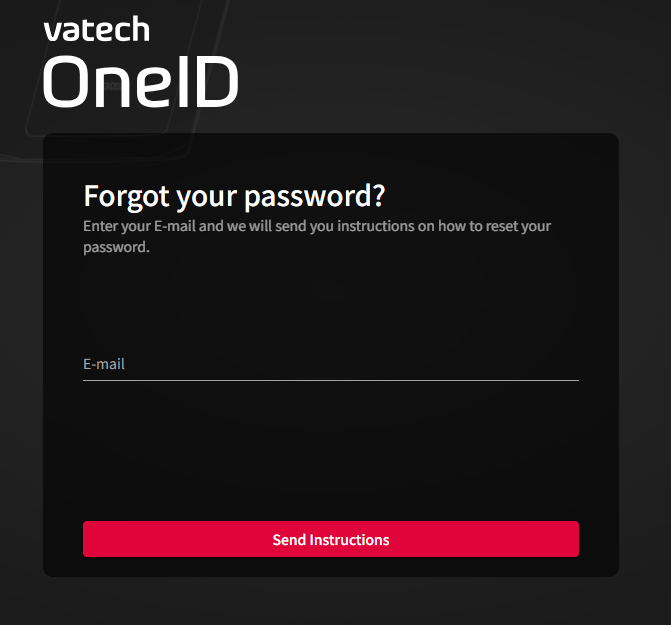
- Enter the email account information you are looking for and click the [Send Instructions] button. (Clicking the button will send a password reset email.)
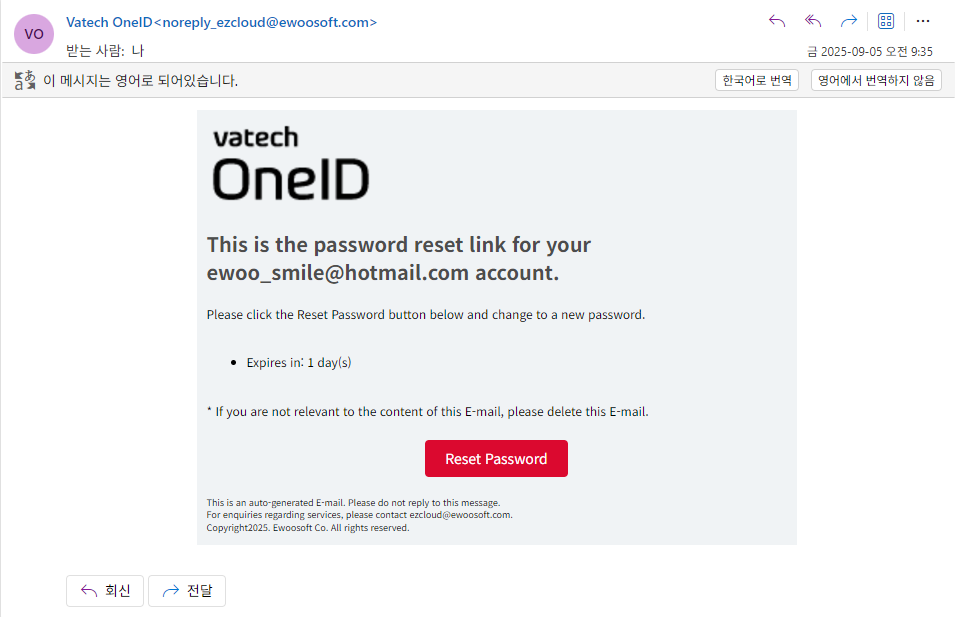
- Open the password reset email in your inbox and click the [Reset Password] button.
- Enter your new password and click the [Submit] button to successfully change your password. [Image attached].
Was this article helpful?
That’s Great!
Thank you for your feedback
Sorry! We couldn't be helpful
Thank you for your feedback
Feedback sent
We appreciate your effort and will try to fix the article