The password change process is as follows:
- Log in to OneID, go to [Account Information], and then click [Change Password].
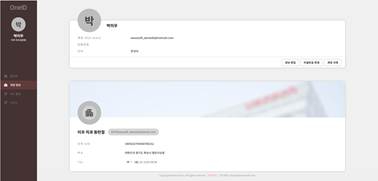
- Enter your current password to verify your account, and then click [Confirm].
- Enter the ‘New Password’ and ‘Confirm New Password,’ and then click [Confirm].
- When the message ‘Your password has been changed successfully.’ appears, the password change is complete.
Was this article helpful?
That’s Great!
Thank you for your feedback
Sorry! We couldn't be helpful
Thank you for your feedback
Feedback sent
We appreciate your effort and will try to fix the article