The registration process is as follows:
- Go to the OneID login page (https://oneid.cleverspacecloud.com), and then click [Sign Up for OneID].
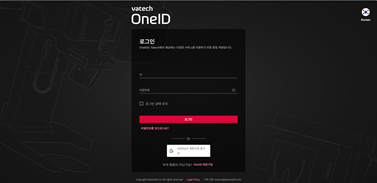
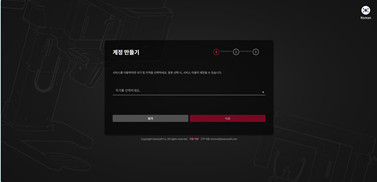
- In STEP 01, select the country where you will use the service, and then click [Next].
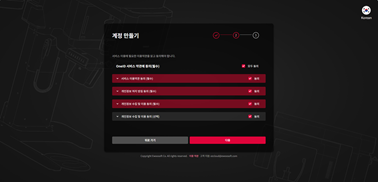
- In STEP 02, agree to the OneID Terms of Service, and then click [Next].
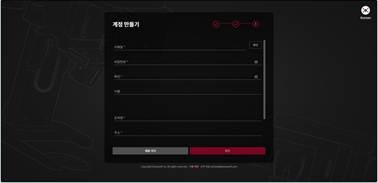
- In STEP 03, enter the basic account information, and then click [Confirm]..
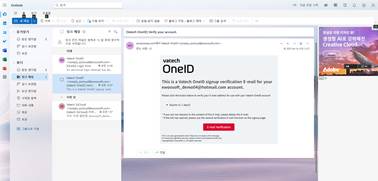
- Check the verification email sent to the email address you entered and complete the verification process.
Was this article helpful?
That’s Great!
Thank you for your feedback
Sorry! We couldn't be helpful
Thank you for your feedback
Feedback sent
We appreciate your effort and will try to fix the article