You can change the organization information under [Organization] > [Management]. Follow the steps below:
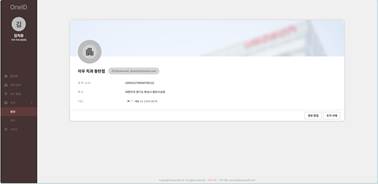
- Go to [Management] under [Organization] in OneID, and then click [Edit Information] in the lower-right corner.
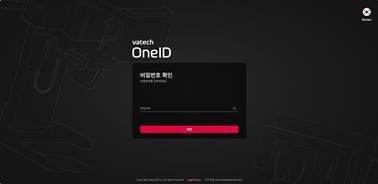
- Enter your password to verify your account.
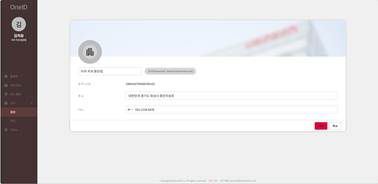
- Change the information on the Edit Information screen, and then click [Save].
Was this article helpful?
That’s Great!
Thank you for your feedback
Sorry! We couldn't be helpful
Thank you for your feedback
Feedback sent
We appreciate your effort and will try to fix the article