Follow the steps below to invite organization members:
- Go to [Management] under [Organization] in OneID, and then click [Invite Member] at the top.
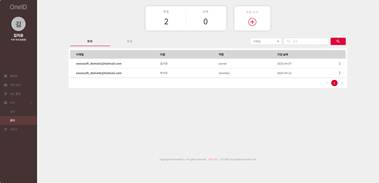
- Enter the email address of the user you want to invite and a message, and then click [Invite].
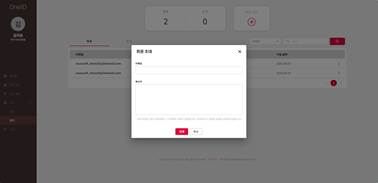
- An invitation email will be sent to the specified email address. The user can complete the registration process to join the organization.
Was this article helpful?
That’s Great!
Thank you for your feedback
Sorry! We couldn't be helpful
Thank you for your feedback
Feedback sent
We appreciate your effort and will try to fix the article