Organization information can be changed in the [Organization] > [Information] menu. The detailed procedure is as follows.
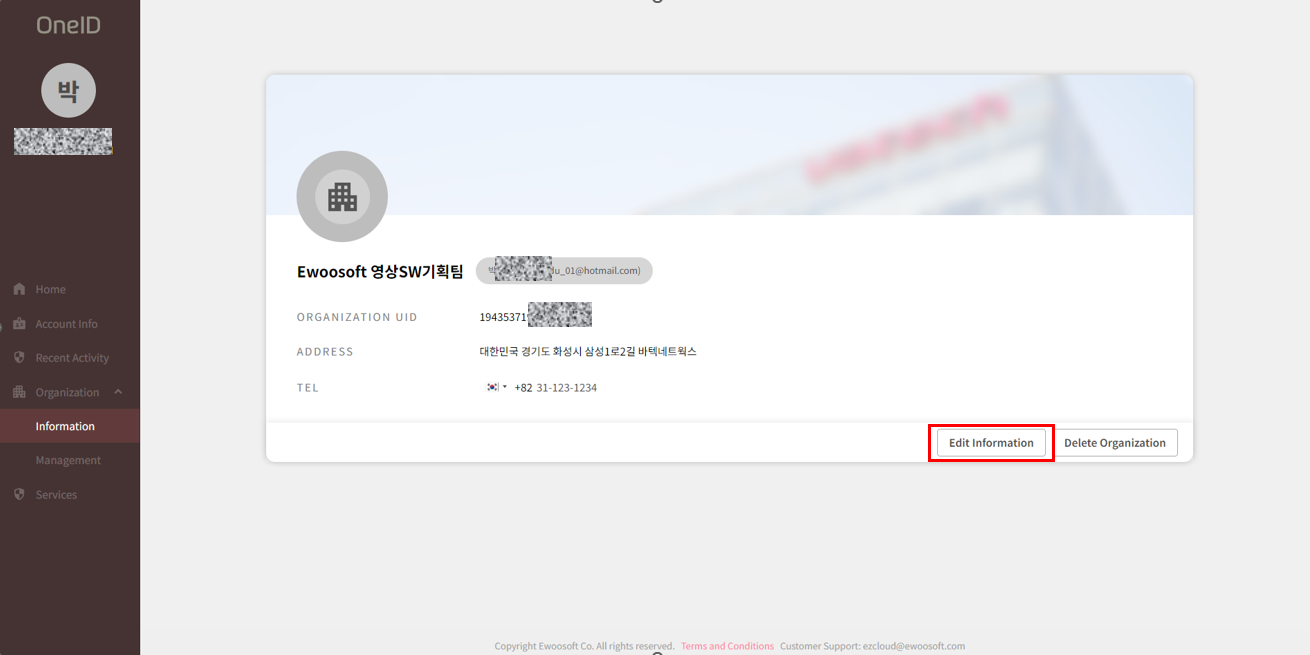
- Go to the [Information] menu under the [Organization] submenu in OneID, and click the [Edit Information] button at the bottom right.
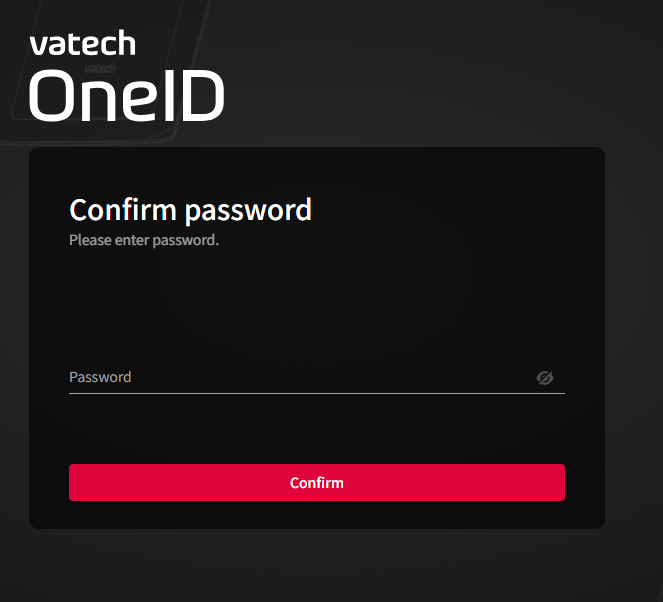
- Enter your password to verify your account.
- Edit the information in the information edit screen and click the [Save] button.
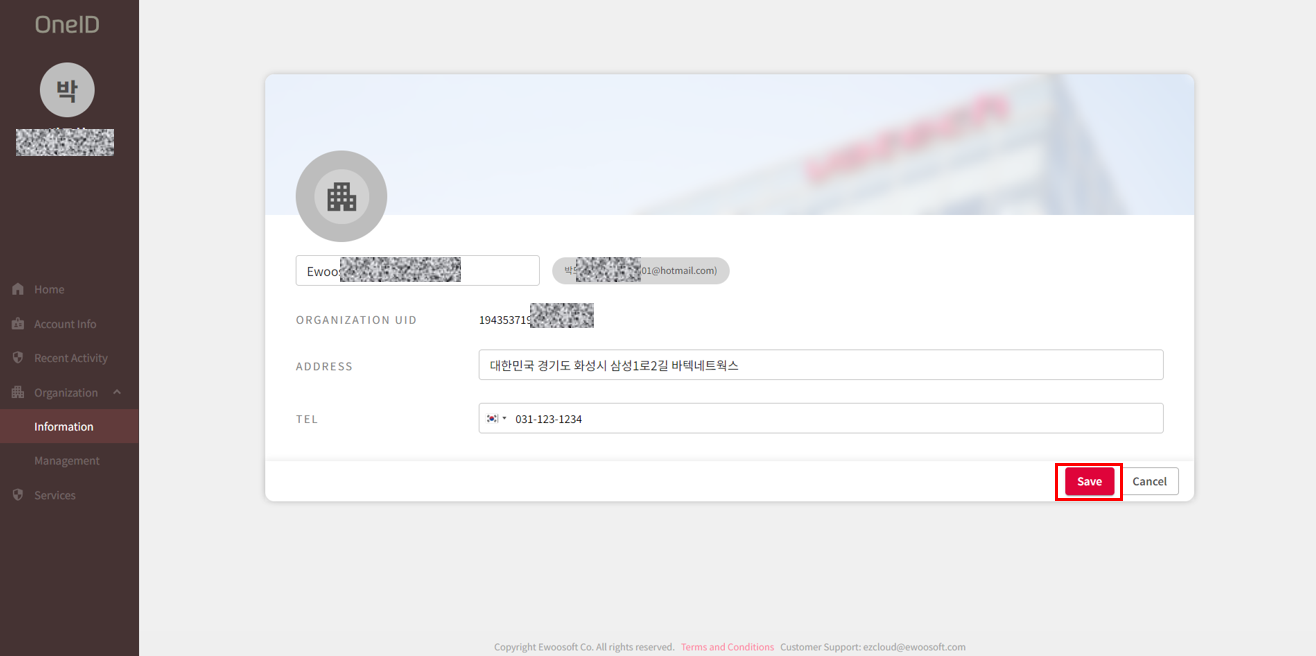
üEditable information: Organization name, address, contact information
Was this article helpful?
That’s Great!
Thank you for your feedback
Sorry! We couldn't be helpful
Thank you for your feedback
Feedback sent
We appreciate your effort and will try to fix the article